Bionic Eye
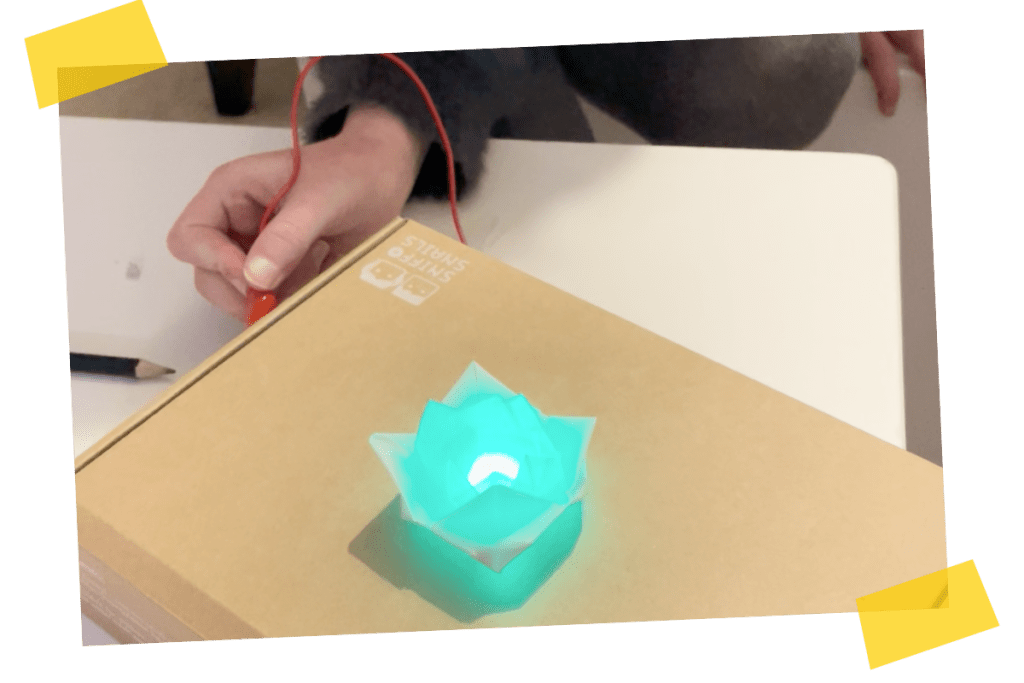
Create a glowing bionic eye that changes colour when different touch points are pressed.
Children explore how feelings can be represented using colours.
They’ll use a Crumble controller to code a sparkle that changes colour when different inputs (split pins) are touched.
They finish by testing and improving their feeling flower to express a range of emotions.
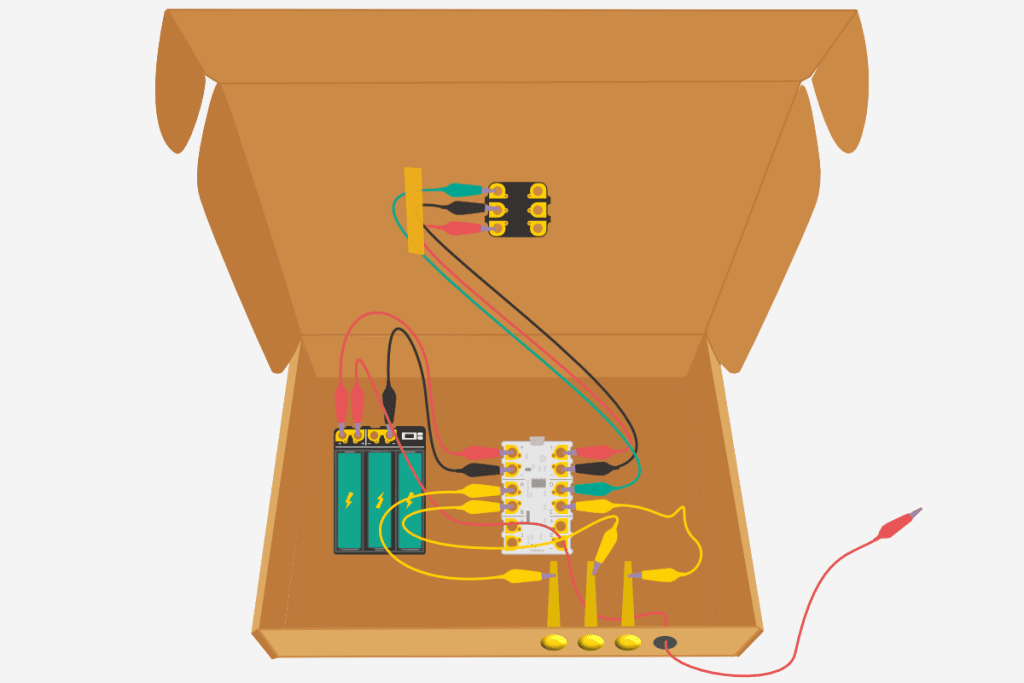
Connect a Sparkle and the split pins to the Crumble using crocodile leads.
Insert 3x alkaline batteries into the battery box. Slide the switch to check they’re in the correct way.
Use a red and a black croc clip lead to connect the battery box to the Crumble.
Use a red, a black, and a green croc clip lead to connect the Crumble to the Sparkle.
Connect yellow croc clip leads to connectors A, B, and C on the Crumble. Attach split pins to the other ends.
Attach a red croc clip lead to a positive (+) terminal on the battery box. Leave the remaining end loose.
Open the Crumble software and change the colour of the Sparkle depending on split pin pressed.
Connect the Crumble to a computer and open the Crumble app or head to code.crumble.tech.
Snap an If – Then – Else block to a Program start block and add an A is HI block.
Add a Set Sparkle block and change the colour to tell the Crumble if A is pressed then make the Sparkle green.
Add a second If-Then-Else block and a Set Sparkle block and change the colour to tell the Crumble if B is pressed then make the Sparkle blue.
Add an If-Then block and a Set Sparkle block and change the colour to tell the Crumble if C is pressed then make the Sparkle Red.
Place your conditional sequence inside a Do Forever Loop block to continuously repeat the checks.
Turn the battery pack on and press the Green Triangle to send your code to the Crumble.
Press the red square or turn off the battery box to stop the conditional sequence.
Grab your craft materials and let’s build the feeling flower.
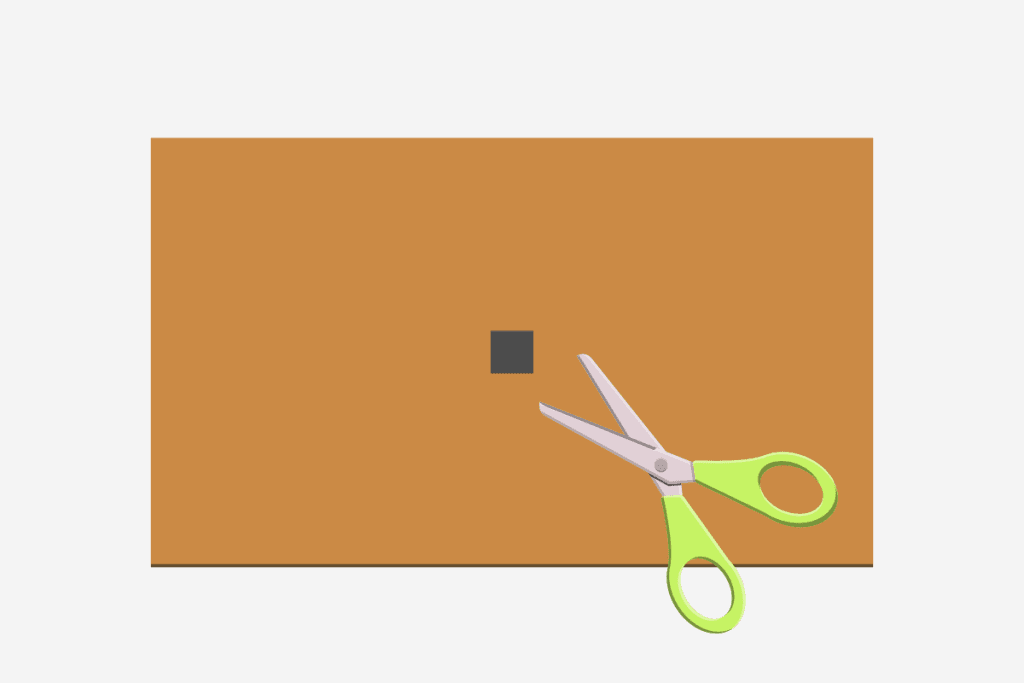
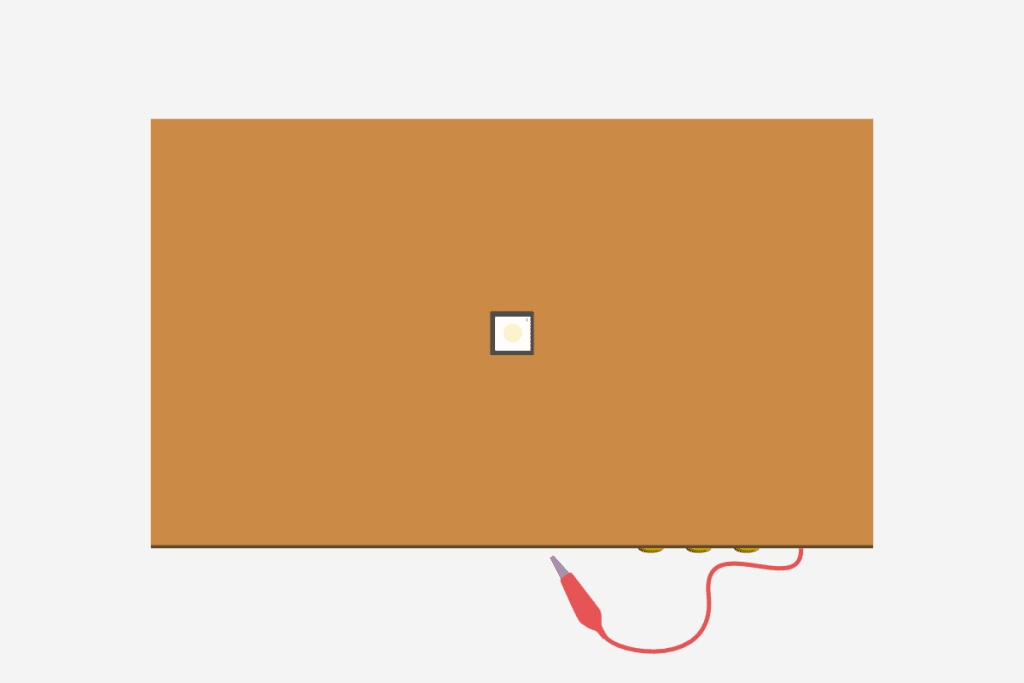
Make a hole in the top of the box – big enough for the Sparkle to shine through.
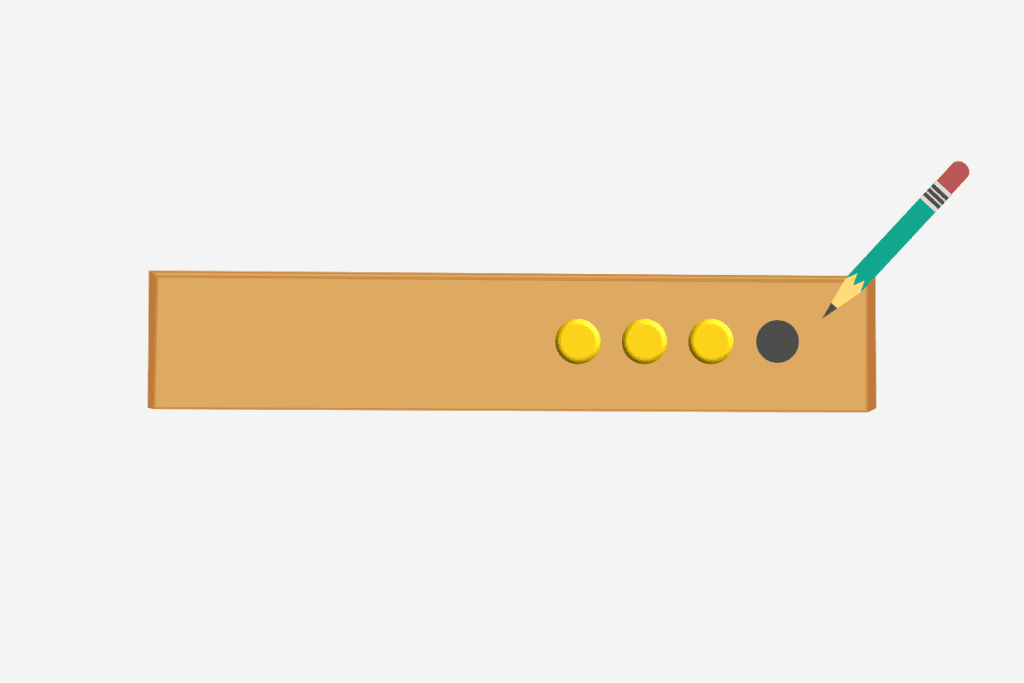
Make 4 holes in the front-side of the box. Place split pins in 3 of the holes.
Attach the yellow croc clip leads to the split pins inside the box. Point the Sparkle through the top hole.
Push the loose red croc clip end through the remaining hole on the front-side of the box. Turn the battery box on and close the box.
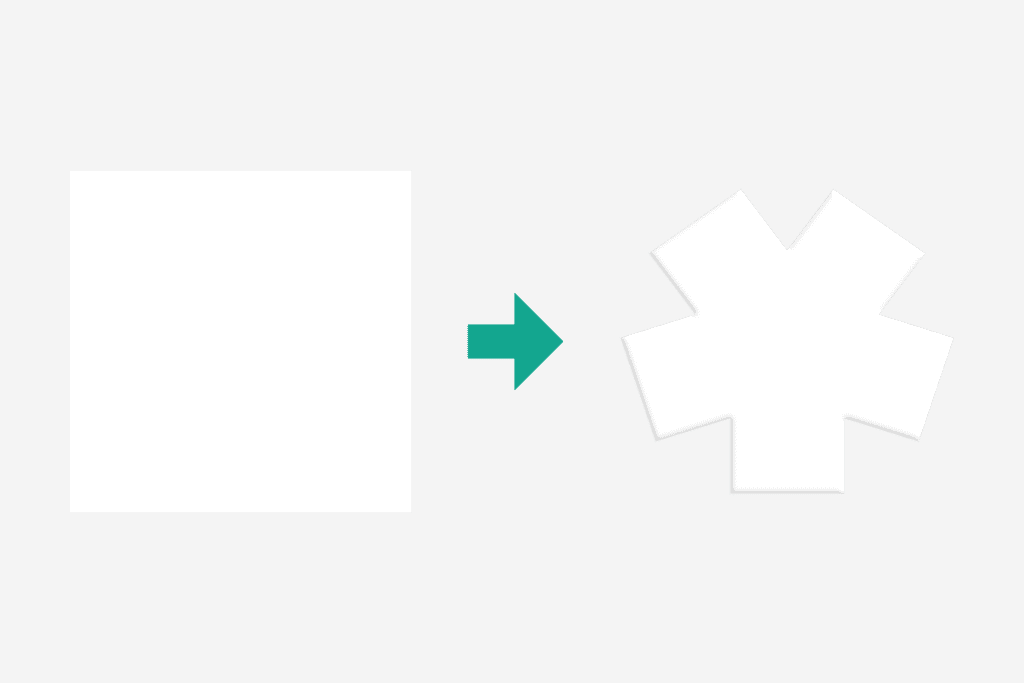
Make a flower (or shape of your choice) out of tracing paper. We used this template.
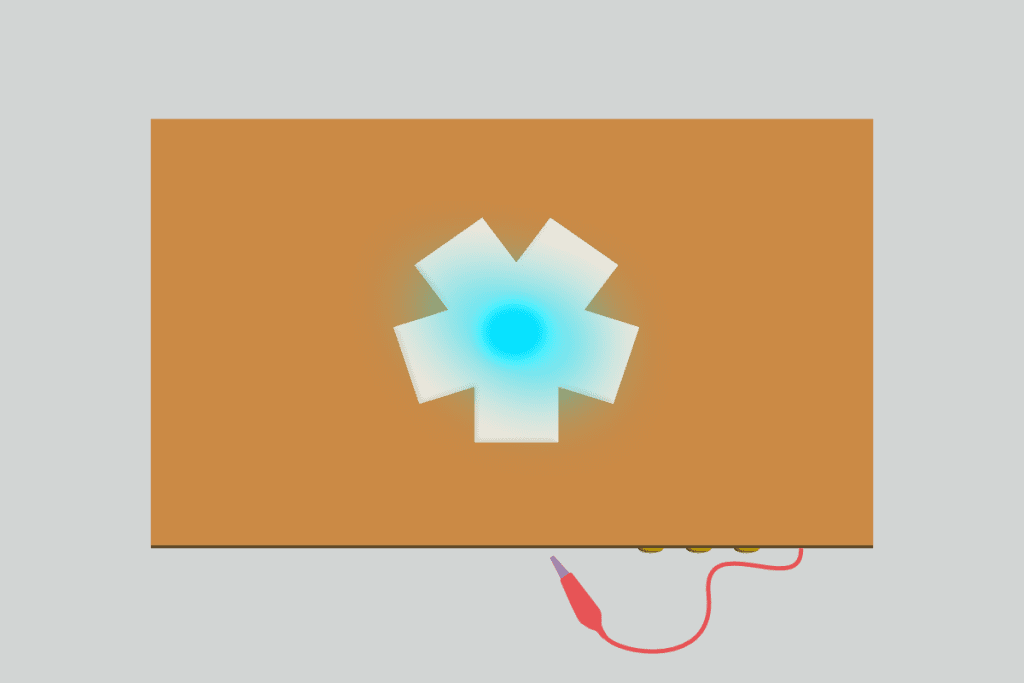
Close the box and place the tracing paper flower on top. Touch each split pin to change the colour of the flower.
Can you get even more creative with your feeling flower?
Make the flower change to new colours when two pins are touched at the same time (e.g. blue + red = purple).
Instead of just changing colour, program the sparkle to fade, pulse, or flash depending on the feeling (e.g. calm = slow fade, excited = fast flashing).

Create a glowing bionic eye that changes colour when different touch points are pressed.